


AiDEX® CGM Academy
1st lesson - AiDEX CGM application
Module Content
- AiDEX app versions (mg/dl or mmol/dl)
- How to create an account
- Can you pair the transmitter in this step
- Forgot password rest procedures
- Is it possible to access the Aidex app simultaneously on multiple devices?
Note:
Watch the video first, then read the sections below.
all you need is AiDEX sensor, AiDEX transmitter and AiDEX mobile app
AiDEX CGM system components
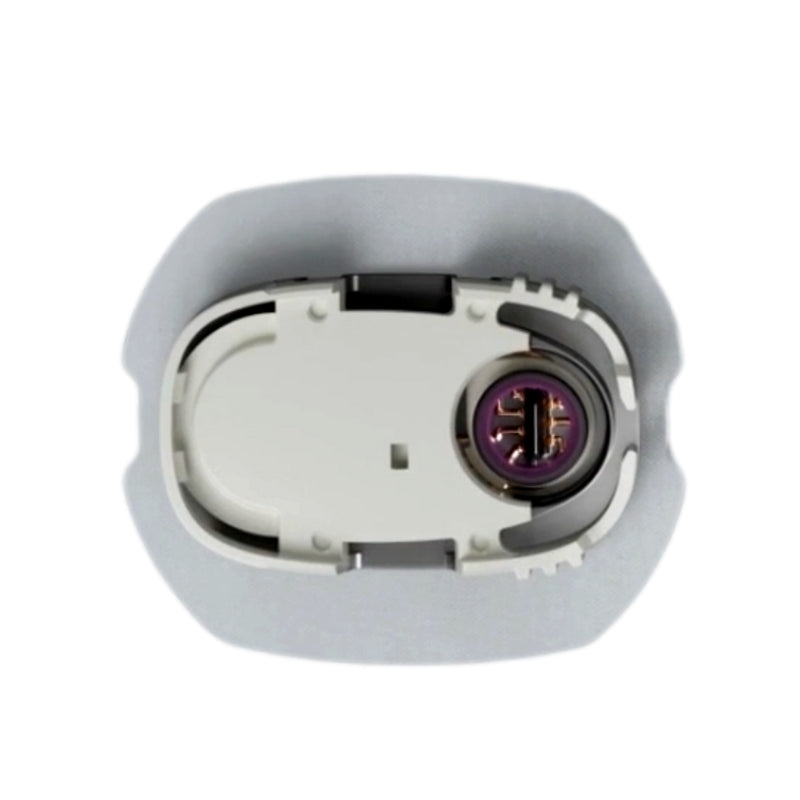
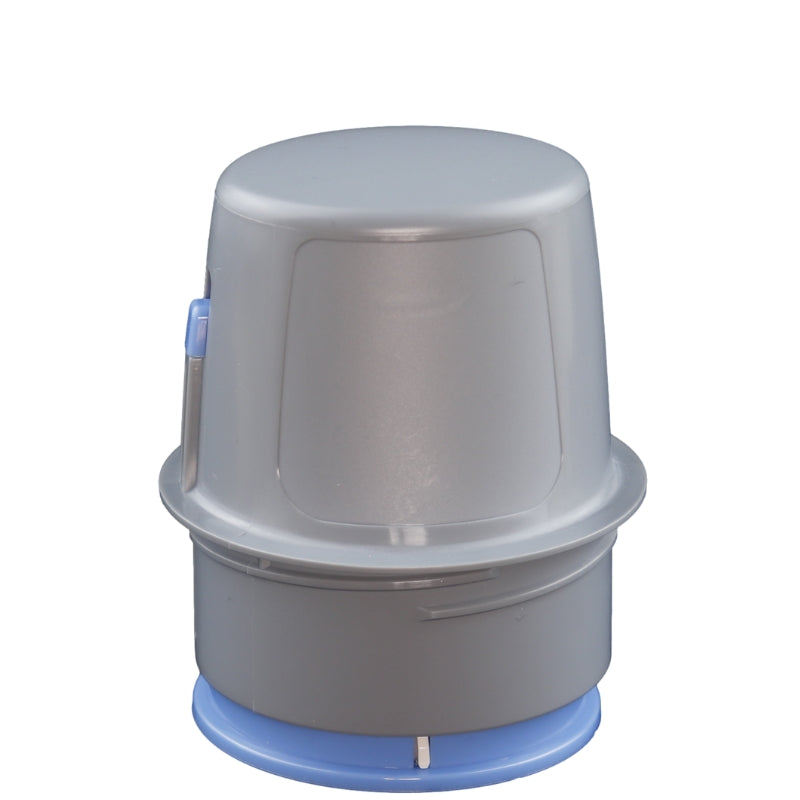
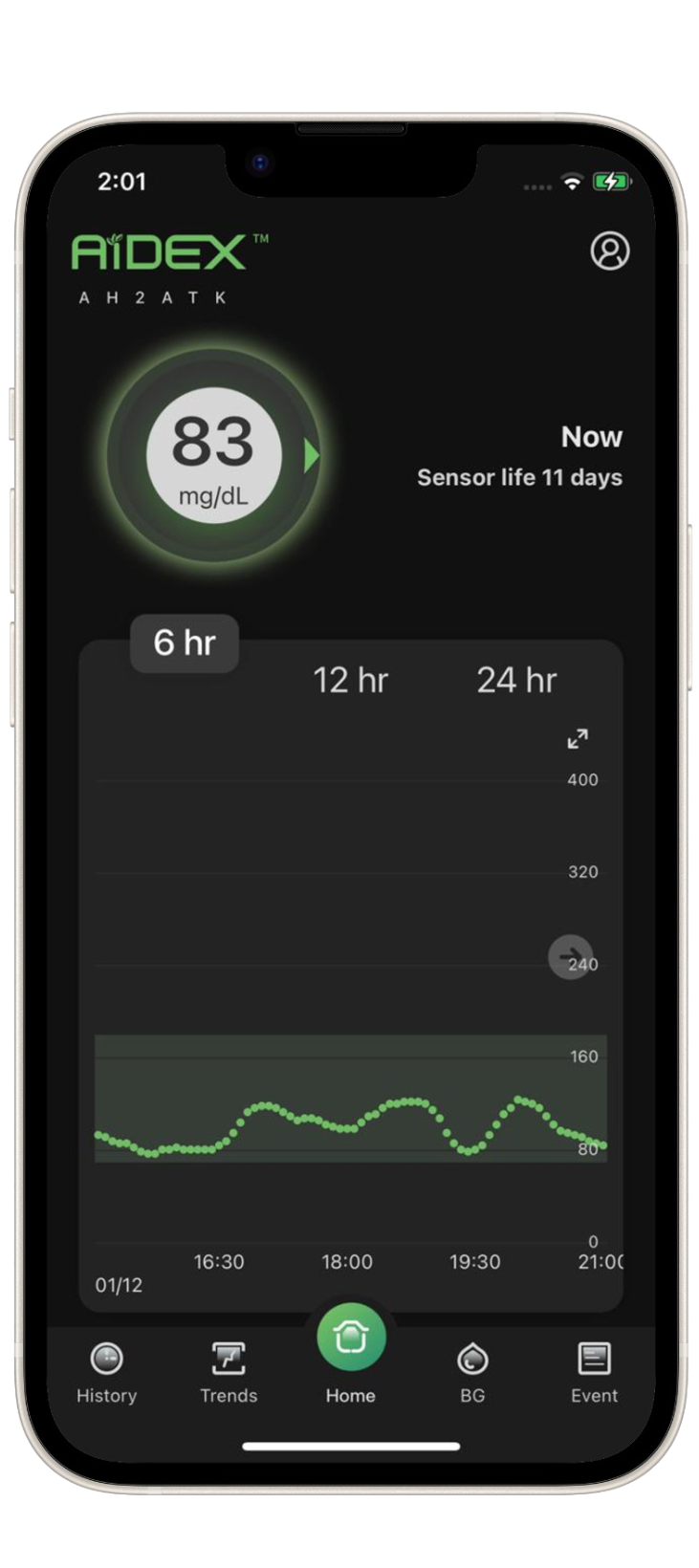
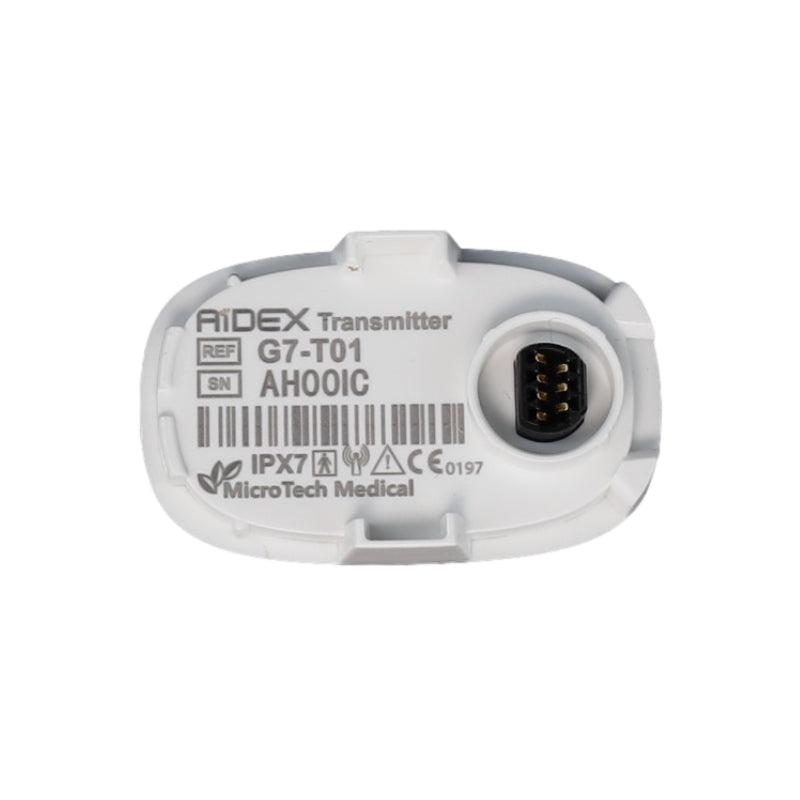
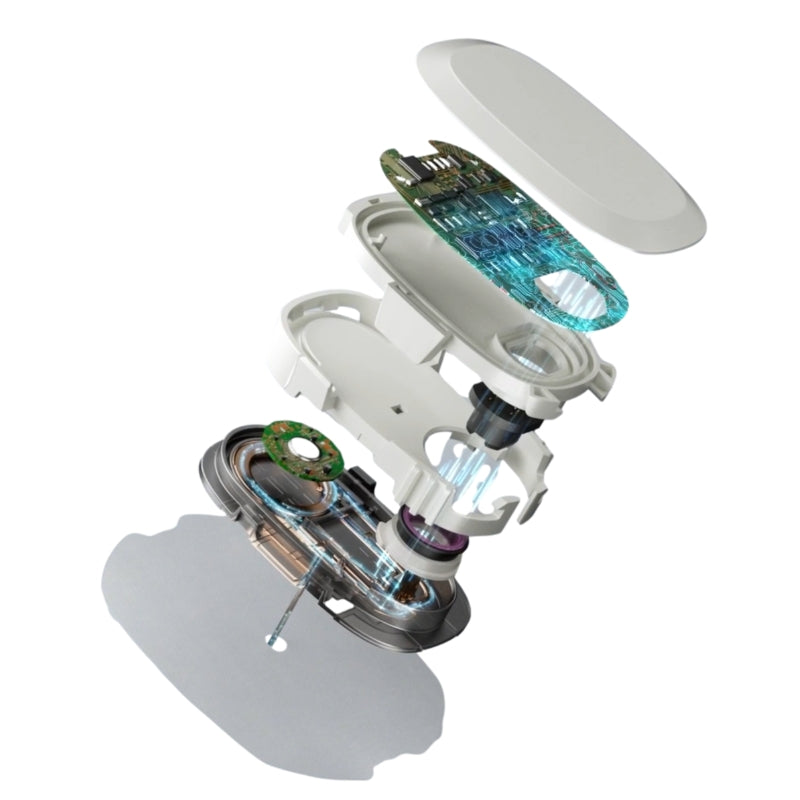
Listed below are some of the most common questions we get from AiDEX users
Frequently Asked Questions
NO.
The Aidex Transmitter is incapable of functioning without a battery, and it is necessary to connect it to the Aidex sensor before initiating the pairing process.
It is highly recommended that the transmitter be attached to the sensor within five minutes of applying the sensor.
iOS (App version V1.0.10)
- Operating System (OS): iOS 10.0 and above
- Memory: 2GB RAM Storage:
- Minimum 200 MB Network: WLAN (Wireless Local Area Network) or cellular network
- Service: Bluetooth function and location service
Android (App version V1.0.2)
- Operating System (OS): Android 8.0 and above
- Memory: 3GB RAM
- Storage: Minimum 200 MB
- Network: WLAN (Wireless Local Area Network) or cellular
network - Service: Bluetooth function and location service
Notes:
- Xiaomi phone users may need to restart their App and Bluetooth should there be any lagging in data display.
- If pairing is unsuccessful, please try again.
For more details please visit compatible device list
YES, It is important to attach your transmitter to your sensor within 30 minutes of applying it to avoid the sensor being considered expired and not being able to gather glucose information